
https://help.aternity.com/bundle/console_user_guide_x_console_saas/page/console/topics/console_api_odata_device_users_access.html
This article mentions:
Use DEVICE_USERS_ACCESS to find devices by username, email address, or user full name. This API is designed for ServiceNow integration to help identify which device a user last accessed. The data reflects the last time a user accessed a device within the last 7 to 14 days, with a single record per user and device combination.
Device_Users_Access API explained

Description

Issue
The customer is seeking clarification on how the TIME_LAST_ACCESSED field is calculated.

Solution
The DEVICE_USERS_ACCESS API is not limited to ServiceNow (SNOW) integration. Although it was originally developed for SNOW integration, the API currently functions independently without requiring that integration.
For the field TIME_LAST_ACCESSED, the API uses the timestamp of the most recent instance when a user accessed any application on a given device.
The images below illustrate the dashboard view alongside the corresponding REST API output. The REST API query executed is shown as follows:
https://instance_name-odata.aternity.com/aternity.odata/latest/Device_Users_Access?$select=device_name,time_last_accessed&$filter=in(Account_ID,1234) and device_name eq 'hostname'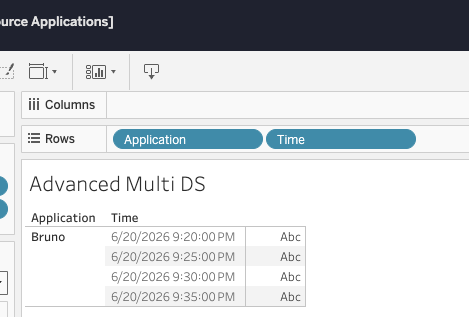
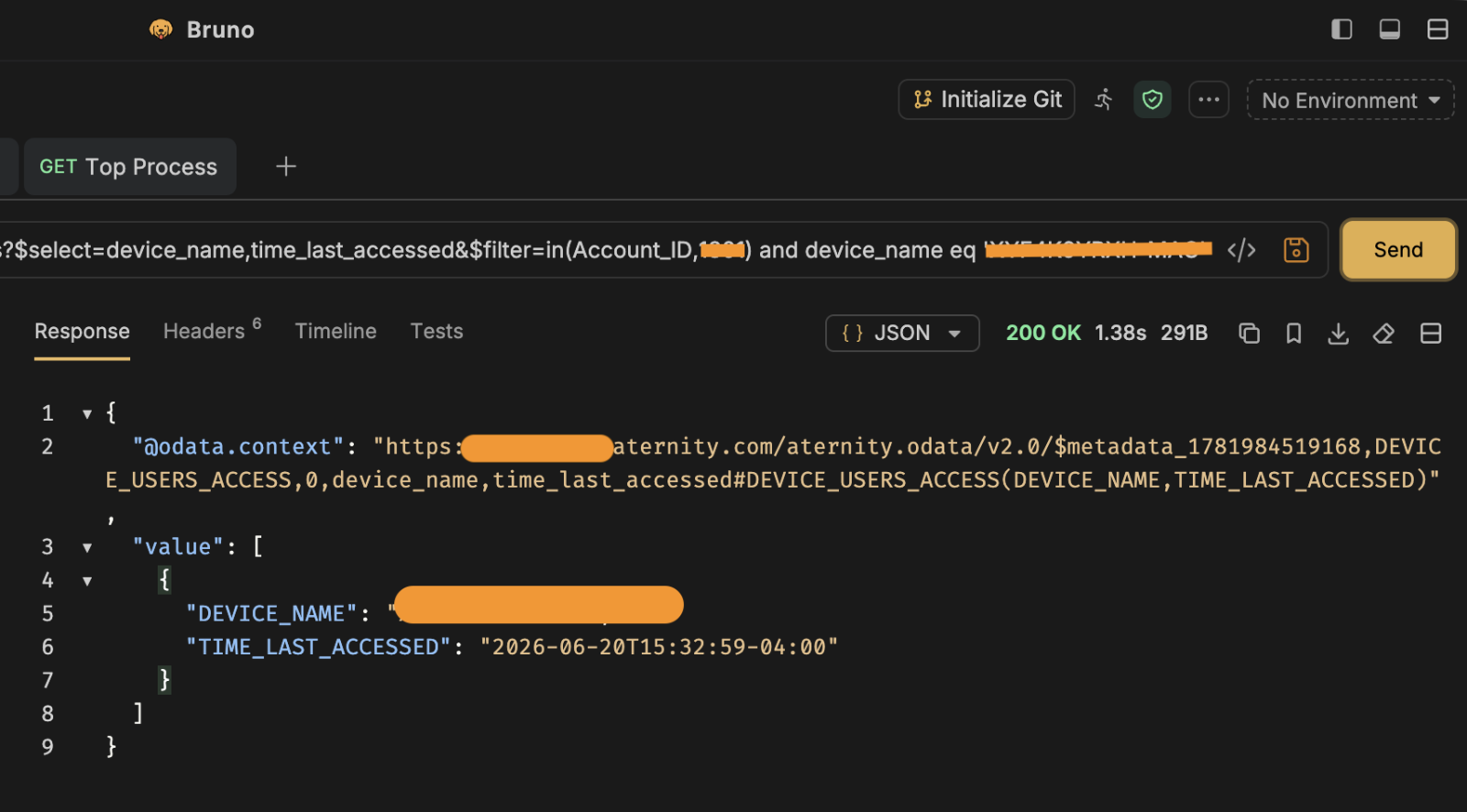
Note: Rest API showing GMT-4 and dashboard is in GMT+2

Environment
SAAS

Related Bugs

Attachments

Related Files
NOTICE: Riverbed® product names have changed. Please refer to the Product List for a complete list of product names.
Can't find an answer? Create a case